RoRoRo grew eyes, hands, and a heartbeat
The Roblox multi-launcher you could recommend on camera now has three plugins (perception, action, and a keep-alive), wired together by a consent-gated bridge that never leaves your machine.
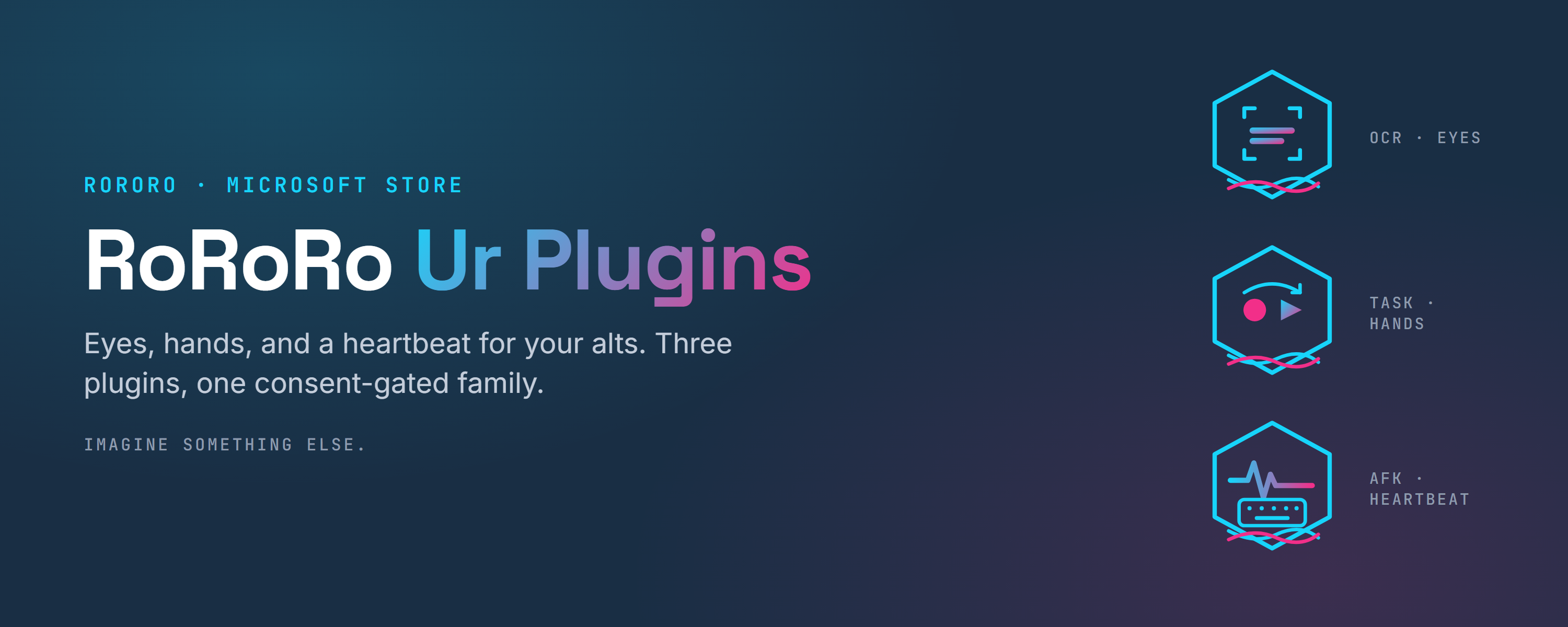
Two months ago the pitch for RoRoRo was that you could recommend it on camera: a Roblox multi-launcher packaged, signed, and honest enough to hand a clan without a disclaimer. That was a launcher. What shipped this week is a platform: RoRoRo 1.8 on the Microsoft Store, and three plugins that turn a wall of alts into something that watches itself, does the work you recorded, and refuses to time out. The launcher grew eyes, hands, and a heartbeat.
The trick that makes it a family and not three unrelated tools is a single rule carried over from the launcher: every capability is disclosed, opt-in, and local. A plugin tells you exactly what it wants to do (synthesize a keypress, read a screen region, watch when accounts launch), and RoRoRo shows you that list on a consent sheet before a single line runs. Nothing touches the network it didn't already touch. That rule is the spine. Everything below hangs off it.
Hands
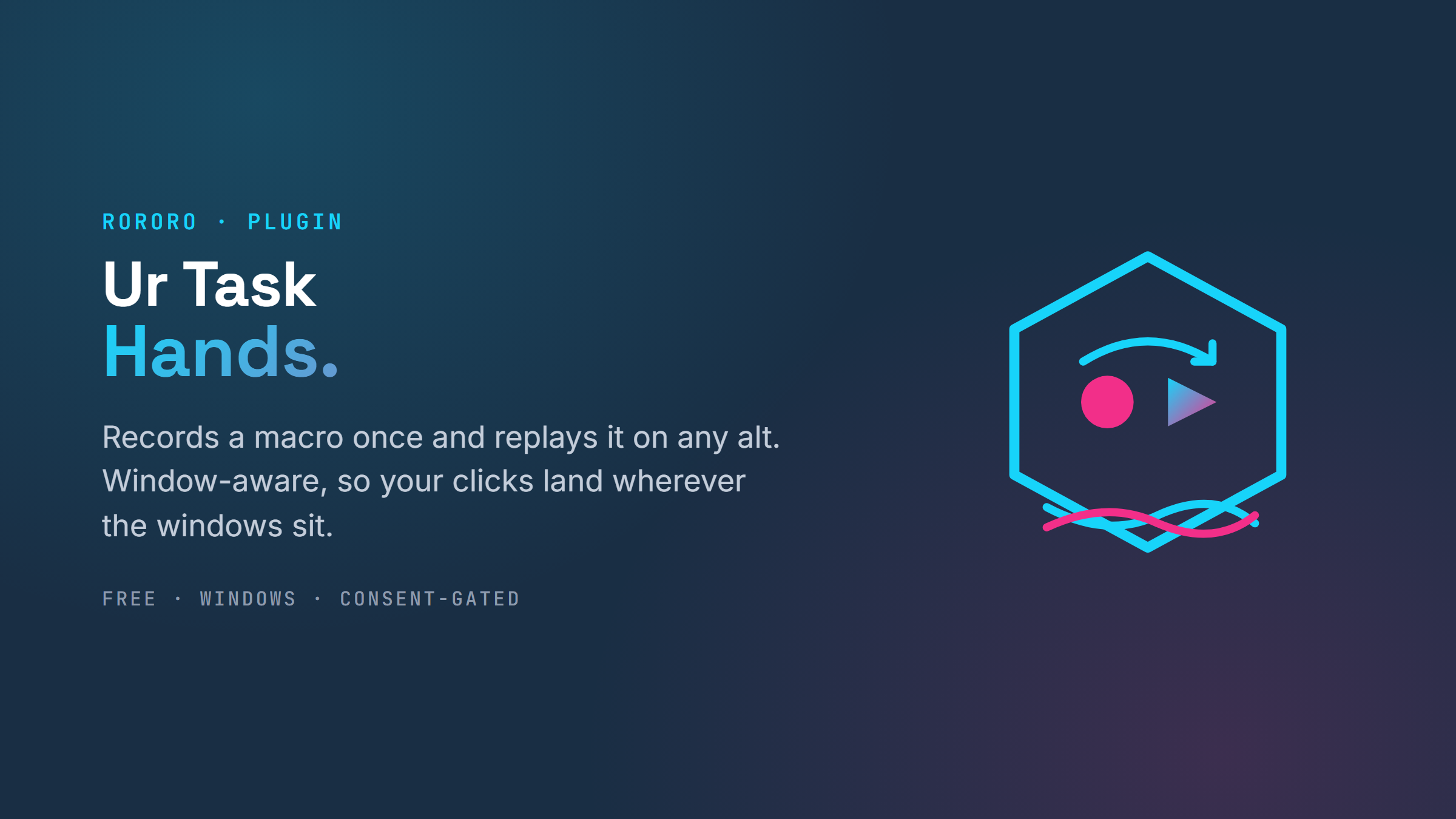
Ur Task is the record-and-replay macro plugin, and it is the hands of the family. Record a farming sequence once; play it on any alt, or a batch of them in sequence. The macros are portable now: no account binding, so one recording runs across your whole roster. And it is window-aware: tile your Roblox windows however you like and the mouse clicks still land where they should, because playback maps every event onto the target window wherever it sits. Record on one, replay on all, arranged any way you want.
Eyes
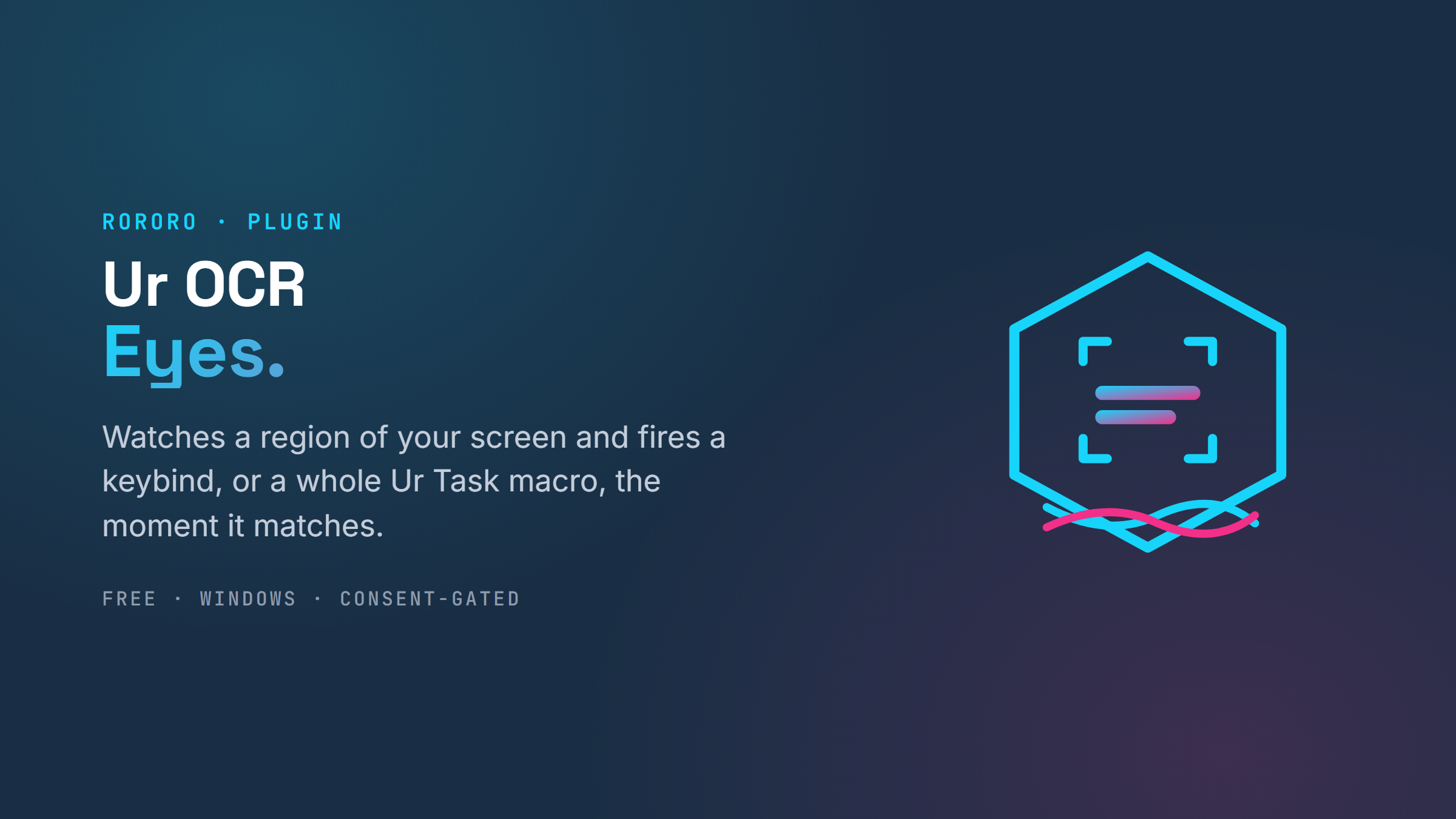
Ur OCR is perception. Point it at a region of your screen and tell it what to watch for (a piece of text, a color), and when the trigger matches, it fires a keybind. On its own that is a useful reflex. Wired to Ur Task, it becomes something better: a trigger can fire an entire macro, not just a single key. A banner appears, the eyes see it, and the right sequence presses itself. Perception to action, and neither half ever leaves your PC.
The nervous system
That last move is the whole reason to call this a family instead of a bundle. Ur OCR talks to Ur Task over a named pipe on your own machine: a local bridge, current-user only, pref-gated on both ends. The eyes tell the hands what to do, natively, with no cloud round-trip and no shared state a stranger could reach. It is the difference between three plugins that happen to be installed together and a system where each one multiplies the others. Add a plugin to this family and it should compose with what is already here, not just sit beside it.
Heartbeat
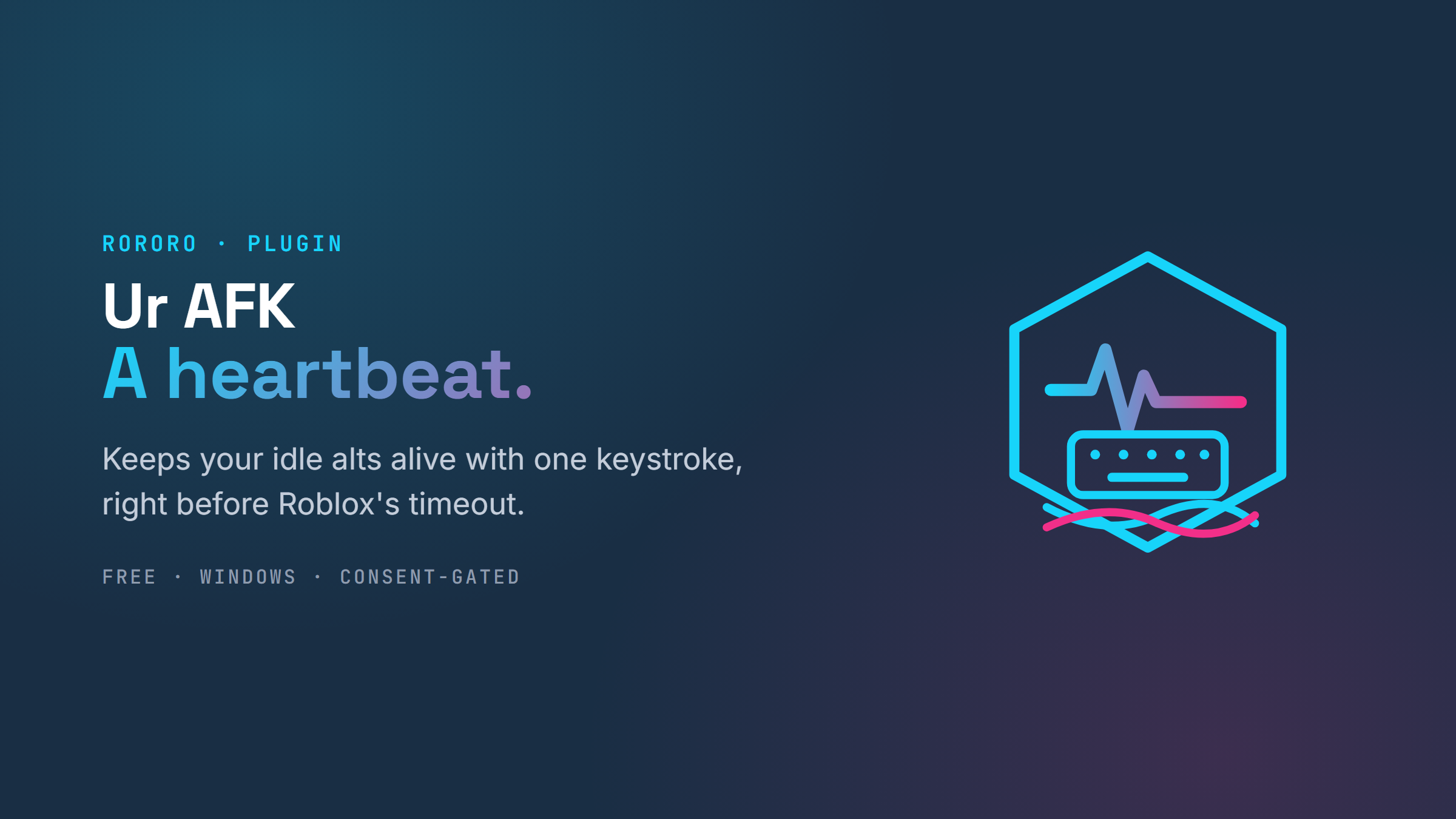
Ur AFK is the simple one, on purpose. Roblox kicks an idle client after about twenty minutes. If a stack of alts idles out together, they all reconnect together, which is exactly what trips the captcha wall. Ur AFK watches how long each account has gone untouched and, right before the timeout, jumps to that window and taps space to keep it alive, then hands your focus straight back. One key, ever. You always see it coming: a countdown pill you can cancel with a keystroke. It is the rung for the clan member installing their first plugin and reading their first consent sheet, and it is a good backup for the nights you forget to start a macro.
A ladder, not a pile
The three sort into a ladder of trust and effort. Ur AFK is rung one: one toggle, one key, nothing to learn. Ur Task is rung two: record once, play anywhere. Ur OCR driving Ur Task is rung three: build a perception-to-action loop and let it run. A new user starts at the bottom and climbs only as far as they want. At every step the bar holds the same: the same consent sheet, the same visible countdowns, the same abort keys, the same permanent no on ever touching a captcha. The bar that made the launcher recommendable on camera is the bar the whole family clears.
Install
Update RoRoRo to 1.8 first. Ur AFK needs a query that shipped in that release, and it will tell you plainly if the host is too old. Then, in RoRoRo, open Plugins → Install, paste a plugin's release URL, review what it asks permission for, and grant it. Each plugin runs in its own process and only sees what you grant it.
A launcher you could recommend on camera became a platform you can still recommend on camera. That was the only spec that mattered.
Imagine Something Else.