Windows desktop app · Roblox Classic (R15) clothing
RBX15 Classic Shirt and Pants Maker
Paint your Roblox Classic clothes, don't just place them. A native Windows app for Roblox Classic (R15) shirt and pants templates: the 585×559 PNG panels creators upload to Roblox, with a 3D preview of the result as you work. No account, no login, no network.
What it does
A 3D preview, fills that wrap, details in one click
3D preview
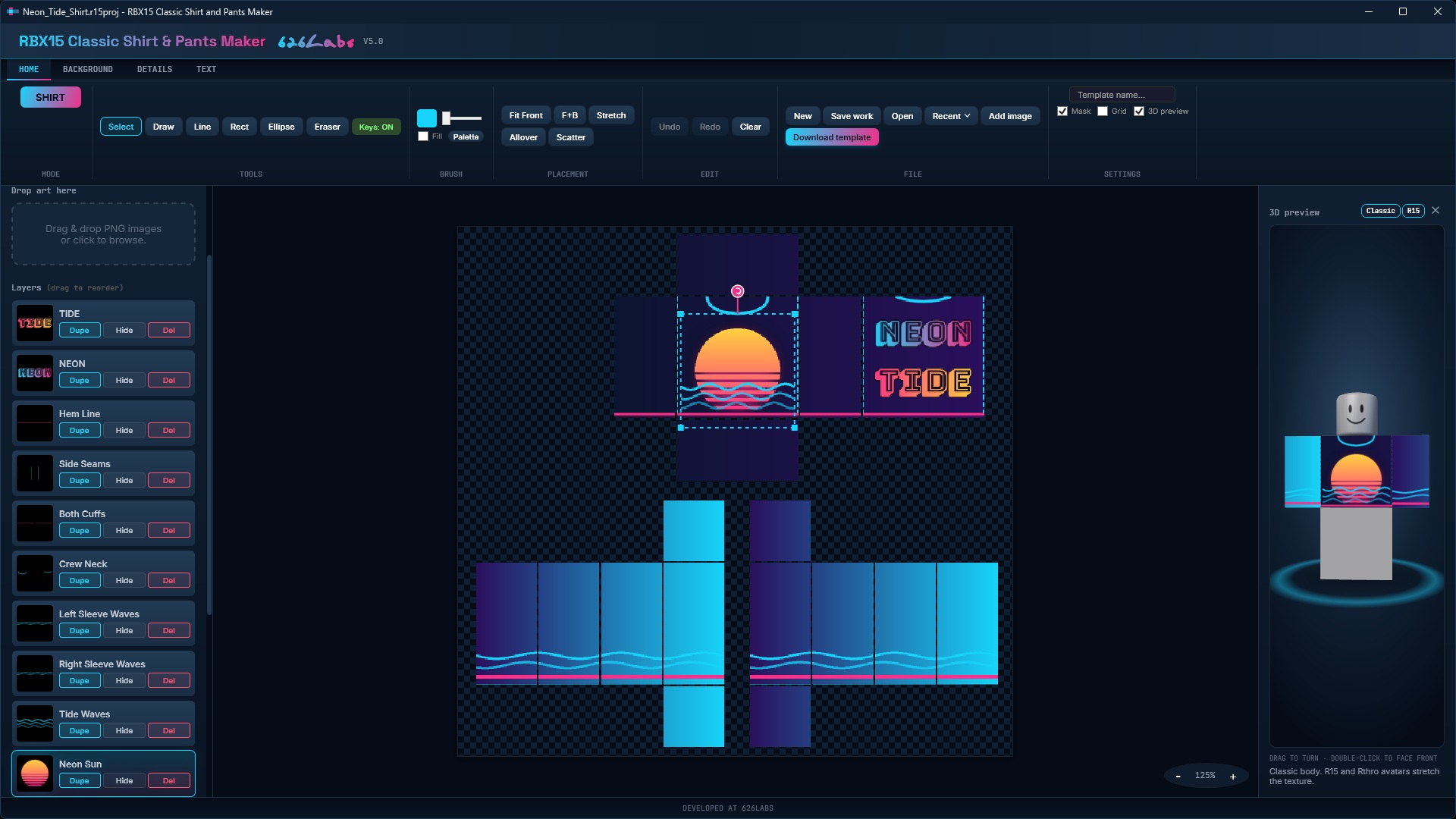
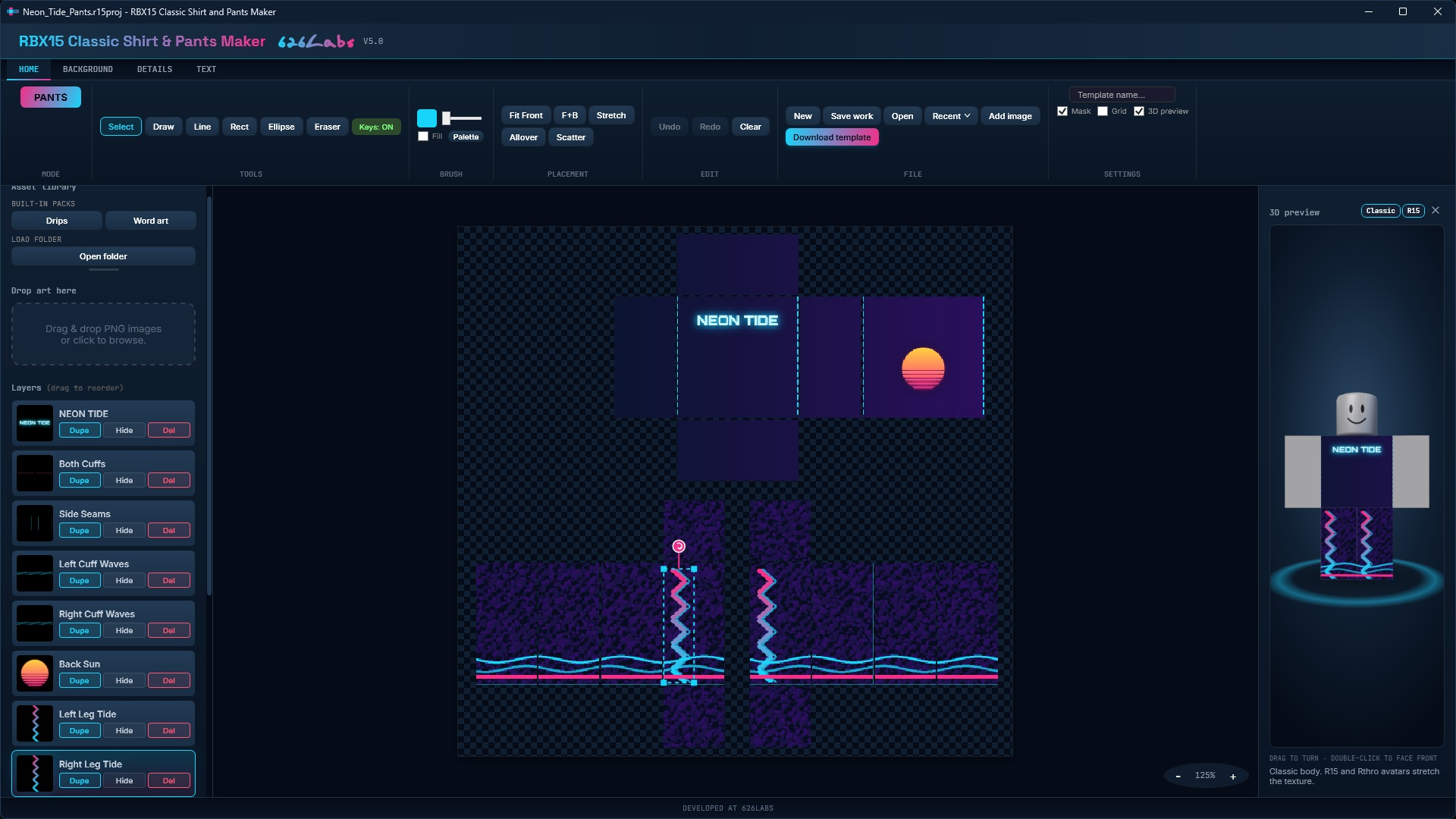
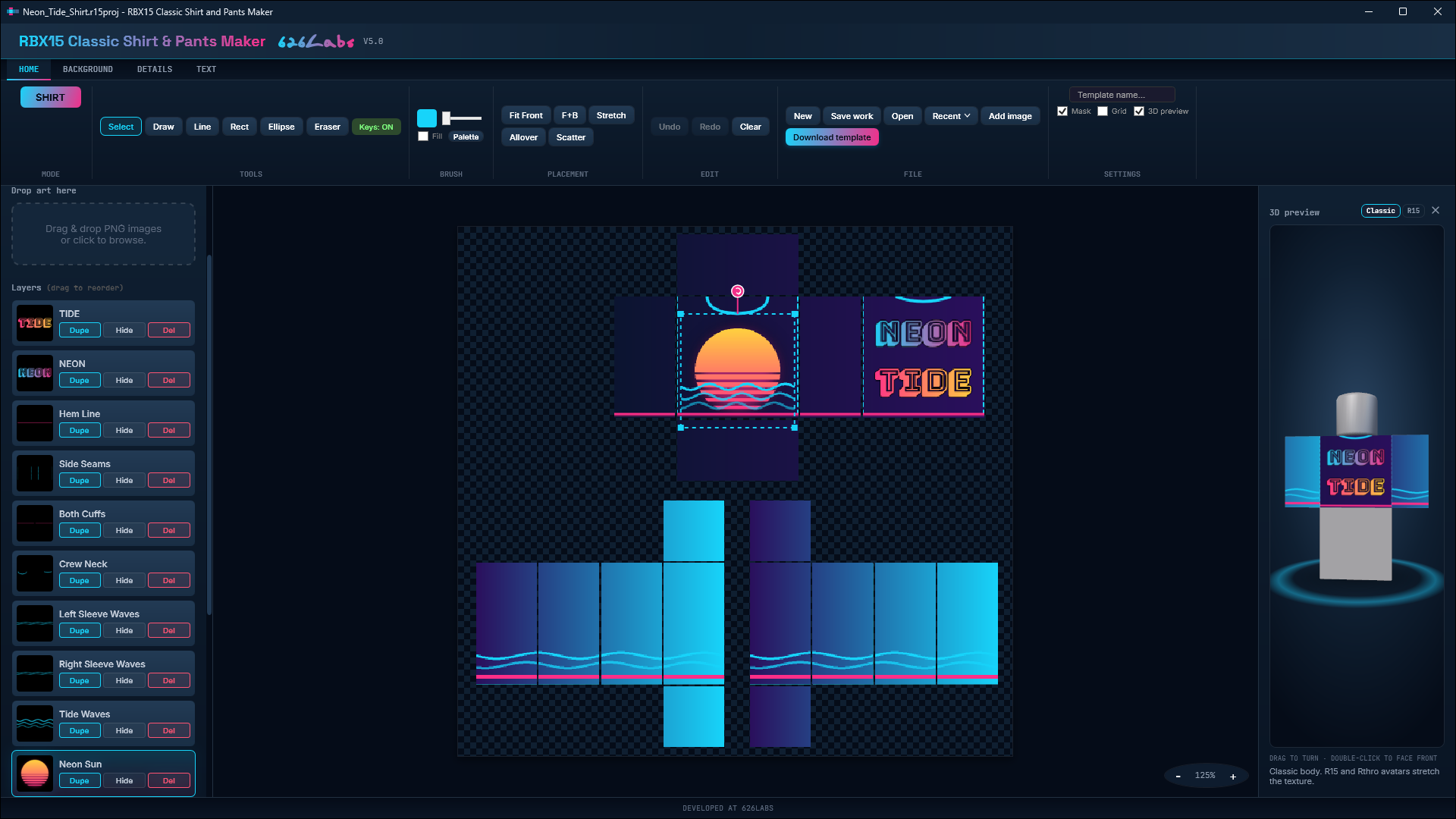
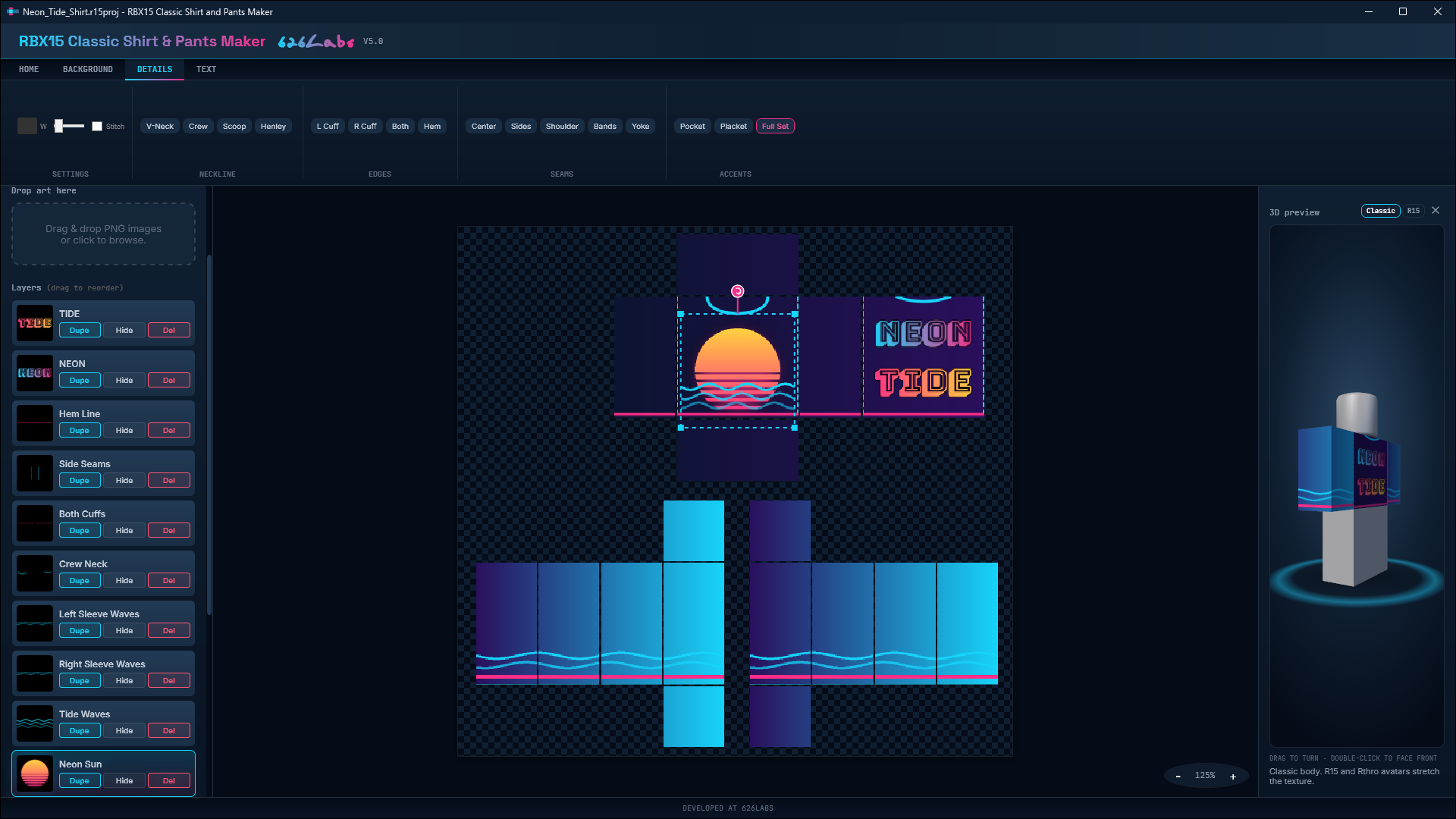
A panel beside the canvas shows your template on a Classic or R15 avatar and follows every edit. Drag to turn it, double-click to face front.
Layers
Layers that stack, move and adjust without wrecking the original: brightness, contrast, saturation, hue and a per-channel RGB shift, all live.
Fills that wrap the body
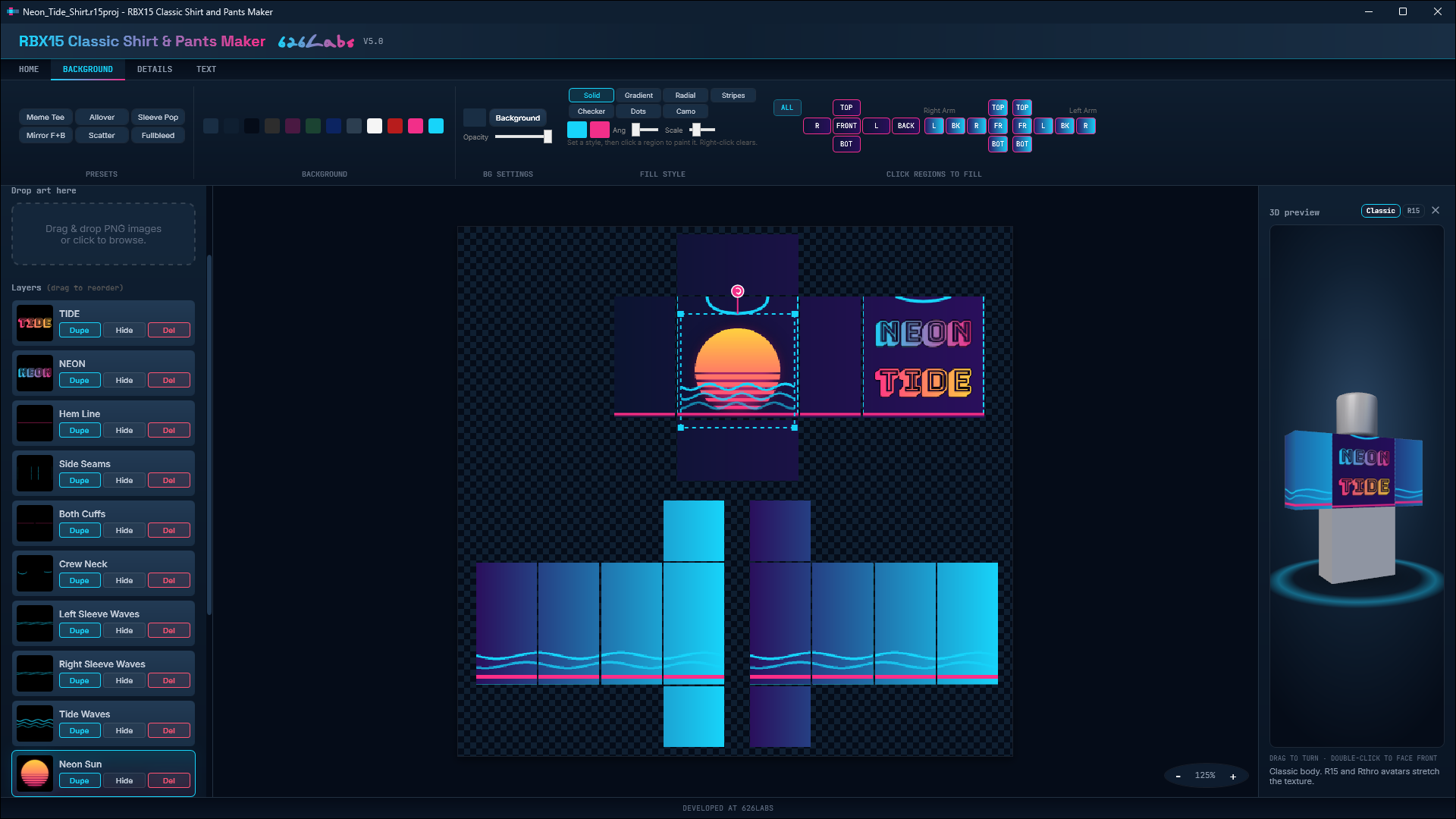
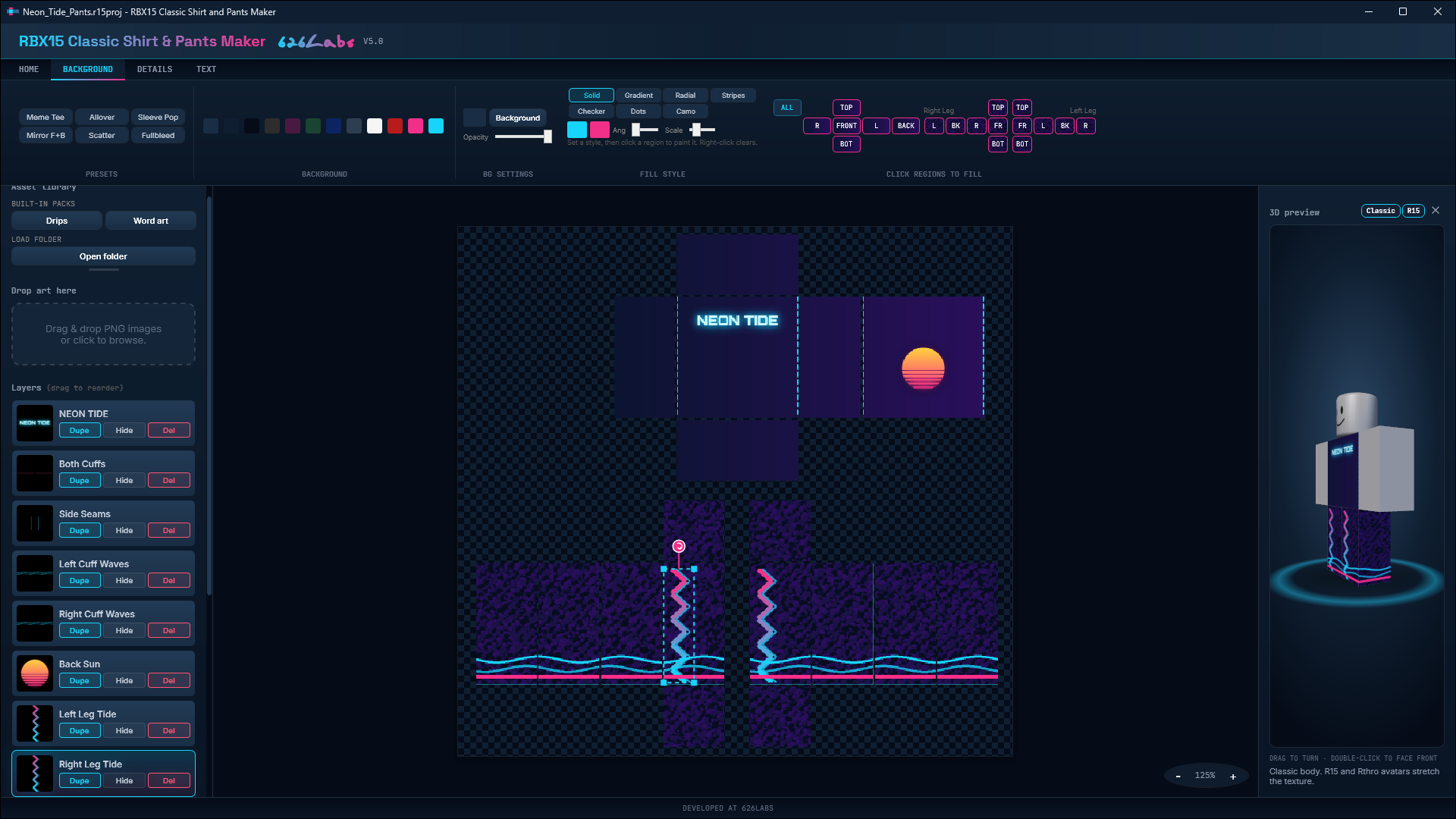
A solid color, a linear or radial gradient, or stripes, checker, dots or camo. The same fill flows across connected panels as one piece, and changing the angle or colors later updates every panel.
Details in one click
V-neck, crew, scoop and henley collars, cuffs, hems, seams, stripes, a pocket and a placket. Pick a color and a width, and each detail becomes its own layer.
Word Art and drawing tools
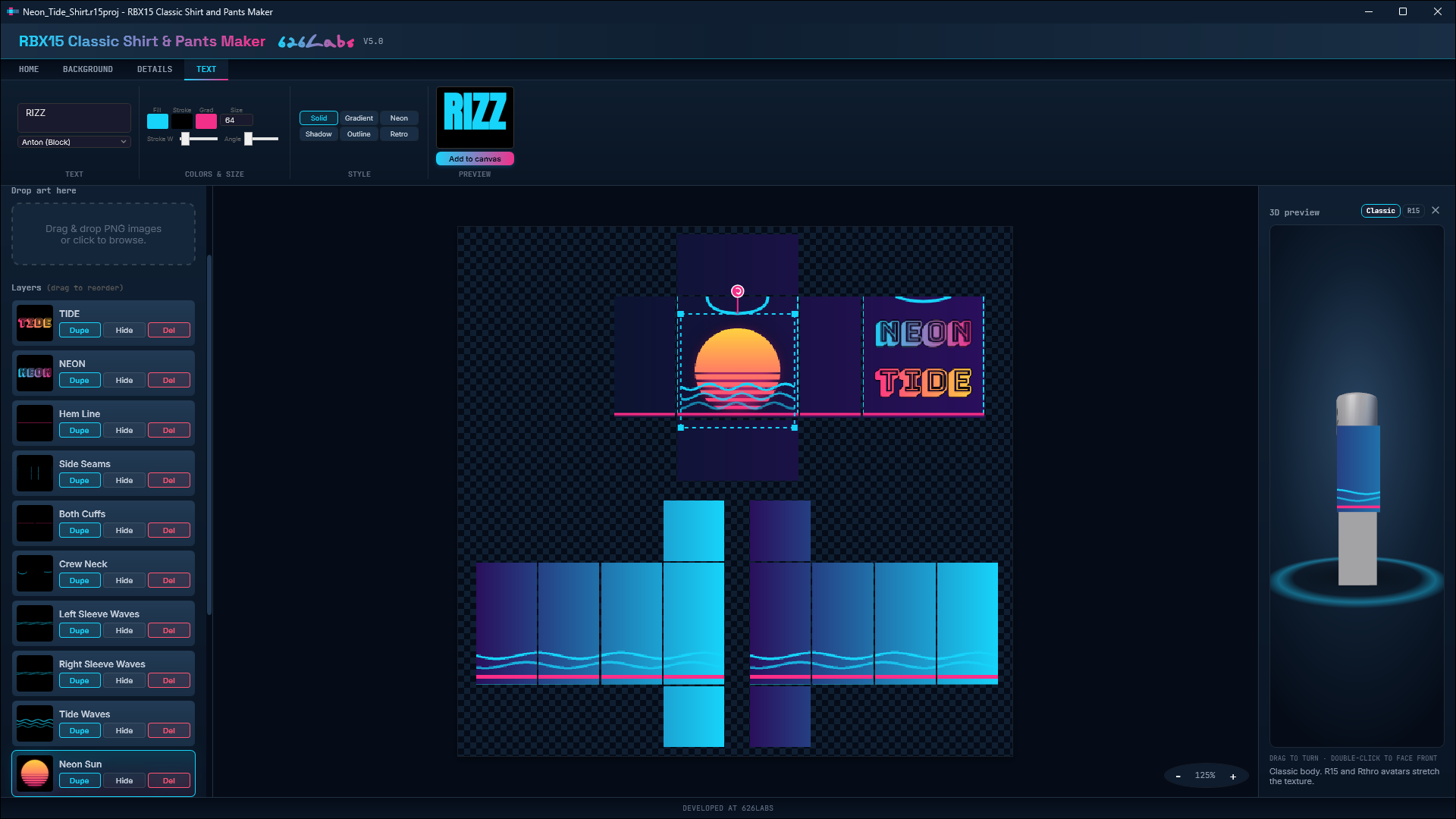
Word Art in 15 fonts bundled with the app, plus pen, line, shapes and an eraser that shows your brush size.
Colors from your art
Every color picker shows a From your art row, taken from the images on your canvas.
Autosave and recovery
While you have unsaved changes, the app copies your document to its own folder every 60 seconds, never over your file. After a crash, the next launch offers it back.
Undo everything
Every edit is one undo step, with redo on Ctrl+Y and Ctrl+Shift+Z: fills, backgrounds, even switching between Shirt and Pants.
Built for the template grid
A large canvas that fills the window, locked to the exact 585×559 grid, with a faint region guide on transparent templates that never reaches the export.
See it run
Neon Tide, start to finish · sound on · watch on its own page
See it work
From an empty template to a finished outfit
How it's built
A native Windows app on a fixed grid
RBX15 5.0 is a native Windows app, WPF on .NET 10 with its own runtime, rebuilt from the Electron app it replaced. The Store package is about 69 MB, down from 141 MB, and your .r15proj projects from 4.x open as they are. Every layer composites onto a canvas locked to the 585×559 template grid Roblox Classic clothing uses, so the PNG you export matches the canvas and is the file you upload. When you're done, upload it to Roblox yourself.
Trust
Nothing to sign in to
%LOCALAPPDATA%\RBX15. The log holds no layers or image data and is never sent anywhere.Reach
Where it ended up
Every Microsoft Store install since launch, plotted by country. Dot area is proportional to install count.